Backup Guard
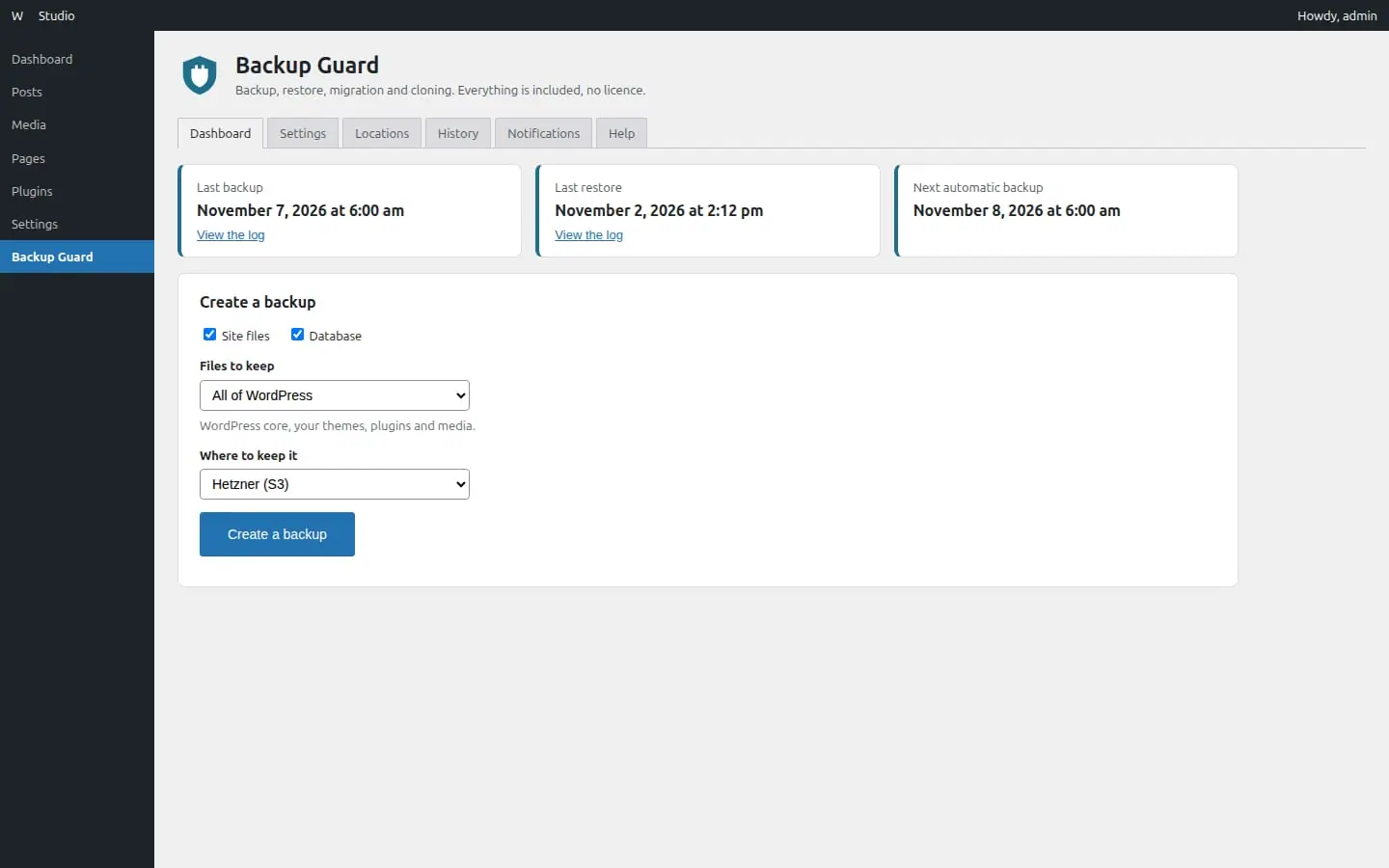
Backup, restore, migration and cloning for a WordPress site. Everything is included, with no licence and no locked feature.
1.0.0
WordPress 7.1, PHP 8.3
LGPL v2.1
Backup Guard keeps a copy of a WordPress site, puts it back, or moves the site to another address. The files, the database, or both.
Backup
Three ways to choose the files:
- All of WordPress: core, themes, plugins and media.
- My files only: without the original WordPress files (
wp-admin,wp-includes,index.php, and so on). What remains iswp-config.php,.htaccess,wp-contentand any file WordPress does not ship. The restore then runs on a WordPress that is already installed, of the same version. - My files and the modified WordPress files: the same as the previous option, plus the original files you have changed. The official fingerprints come from wordpress.org. If they cannot be reached, the backup is refused at once, rather than producing an incomplete archive.
Tables, exact folders, a file extension, the start or end of a name, or a pattern anywhere in the path can be excluded. Compression is set from 1 to 9. Each backup can carry a note. History can be filtered by location, and the space used is shown for each one.
The work is split into 25-second slices. There is no PHP time limit to fear, the task can resume, and it can be stopped. Only one task runs at a time.
Automation
The frequency runs from 30 minutes to a month, or a server cron task. Rotation keeps only the last N automatic backups. A backup can run before a WordPress update, whether it is manual or automatic. A stuck task is started again, then marked as failed with a clear message if it stops answering.
Locations
Local folder, FTP, FTPS, SFTP (password or private key, with the server fingerprint remembered), WebDAV, Amazon S3 and compatible storage (Hetzner Object Storage, Backblaze B2, DigitalOcean Spaces, Linode, Vultr, Cloudflare R2, Wasabi, Garage), Google Drive, OneDrive, Dropbox and pCloud.
Credentials are encrypted in the database. Google Drive, OneDrive, Dropbox and pCloud need an application created in your name, free of charge. The plugin's Help tab explains how.
Restore, migration, cloning
Restore is one click: files, database, or both. For a migration or a clone to another address, addresses are replaced in the database, including inside serialized data.
It runs through a small program that does not depend on WordPress, and keeps going while the files and tables are replaced. .tar.gz archives made with Backuply can be imported too.
Notifications
A message for a success, a failure, or both. The channels: email, Pushover, Gotify, ntfy, Telegram, Discord, Slack and a JSON webhook. Secrets are hidden in error messages.
Languages and command line
The plugin is written in French. A French site shows those texts; every other language gets English.
The same actions exist with WP-CLI: create a backup, list archives and locations, delete one, restore it.
Gallery
Dashboard Locations History Notifications